TriggerFlo is a time tracker and Kanban board in one desktop app. Start a timer, drag a task, ship the work. No dashboards to configure.
No credit card. Free up to 3 projects. Mac, Windows, Linux.
Projects
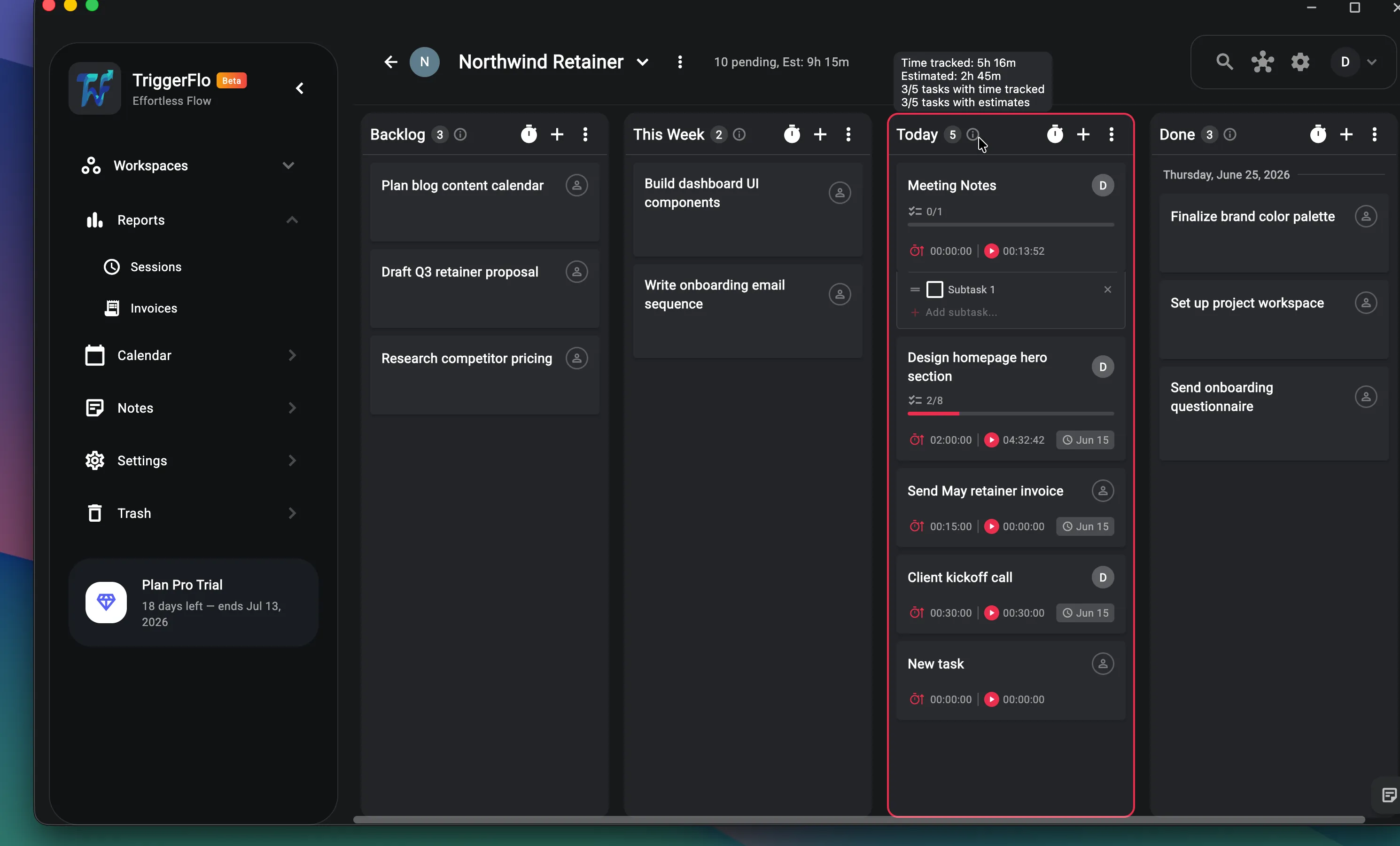
Drag tasks across columns like any Kanban board — except every card carries its estimate, its tracked time, and its due date. Hover a column and see exactly how much work is left in it.
Floating timer
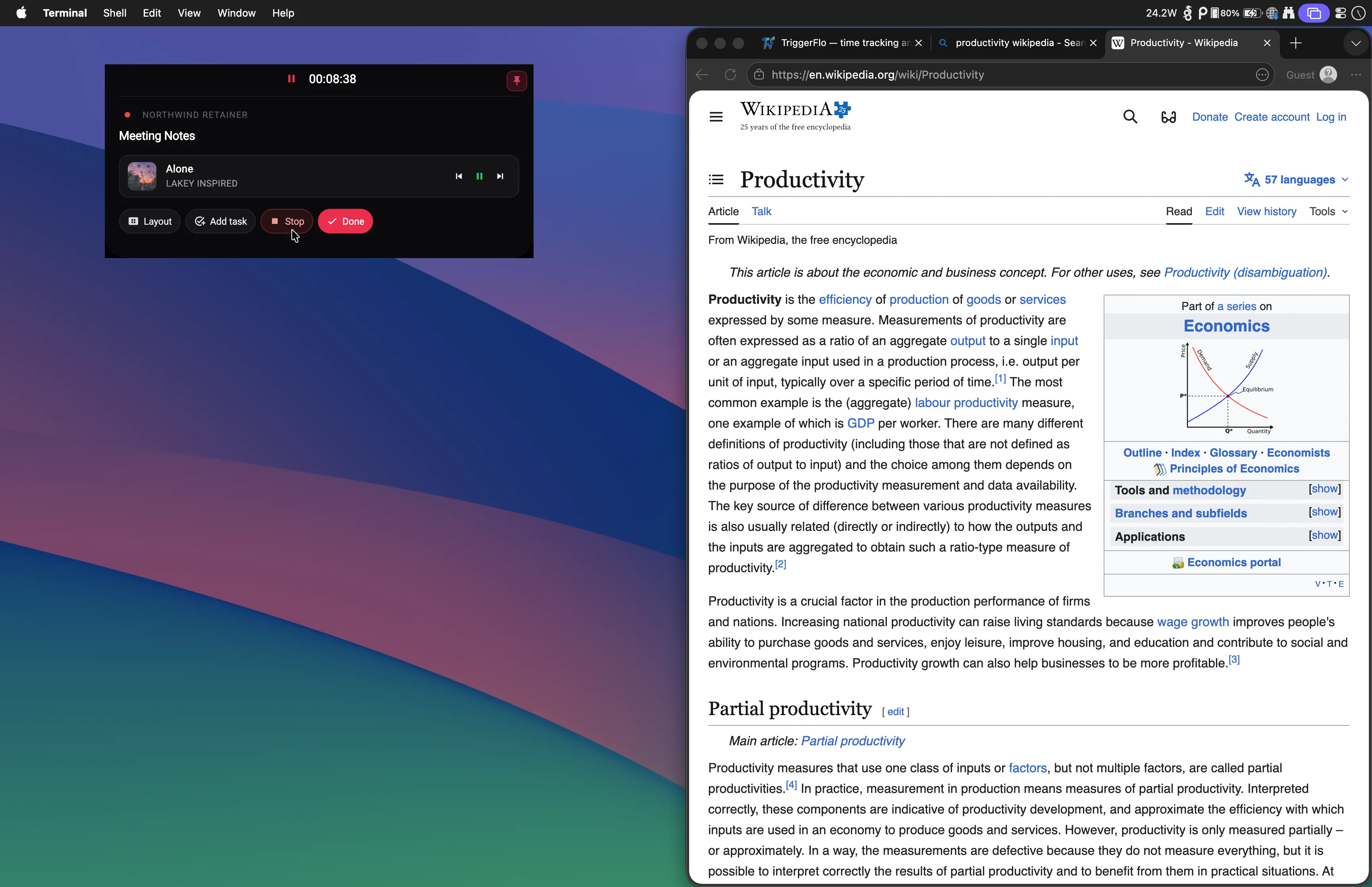
The floating timer sits above your browser, your editor, your everything — so you never switch windows to check it. Finish a task, hit Done, pull the next one. You stay in the tab you were working in.
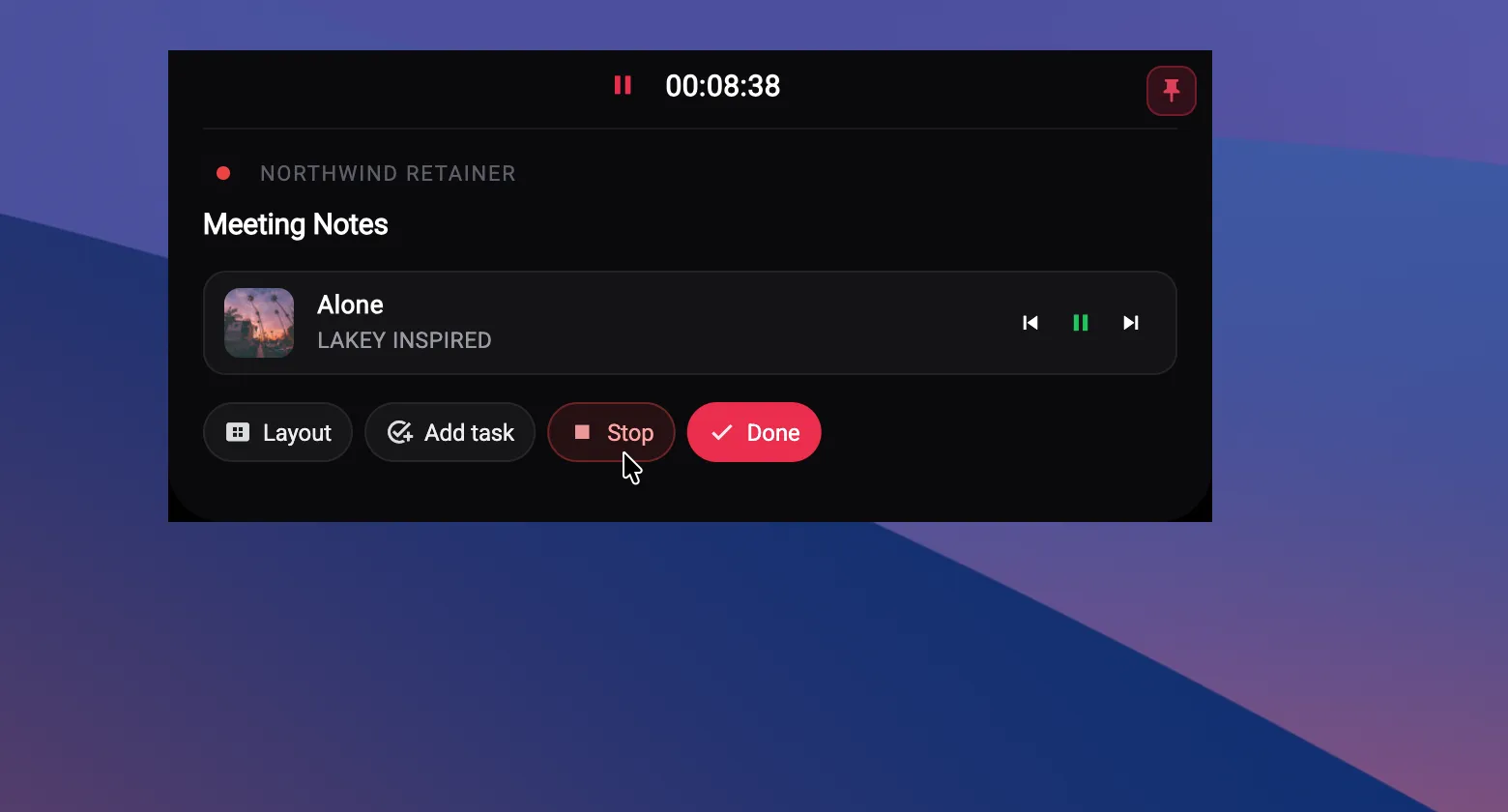
From a full docked panel to a pill the size of a notch. Switch anytime with one click — try them here.
Northwind Retainer
Meeting Notes
Integrations · Spotify
Connect Spotify once and TriggerFlo starts your music when you start working. Pick a default playlist, choose shuffle or in-order, and control playback right from the timer — no window switching.
Calendar
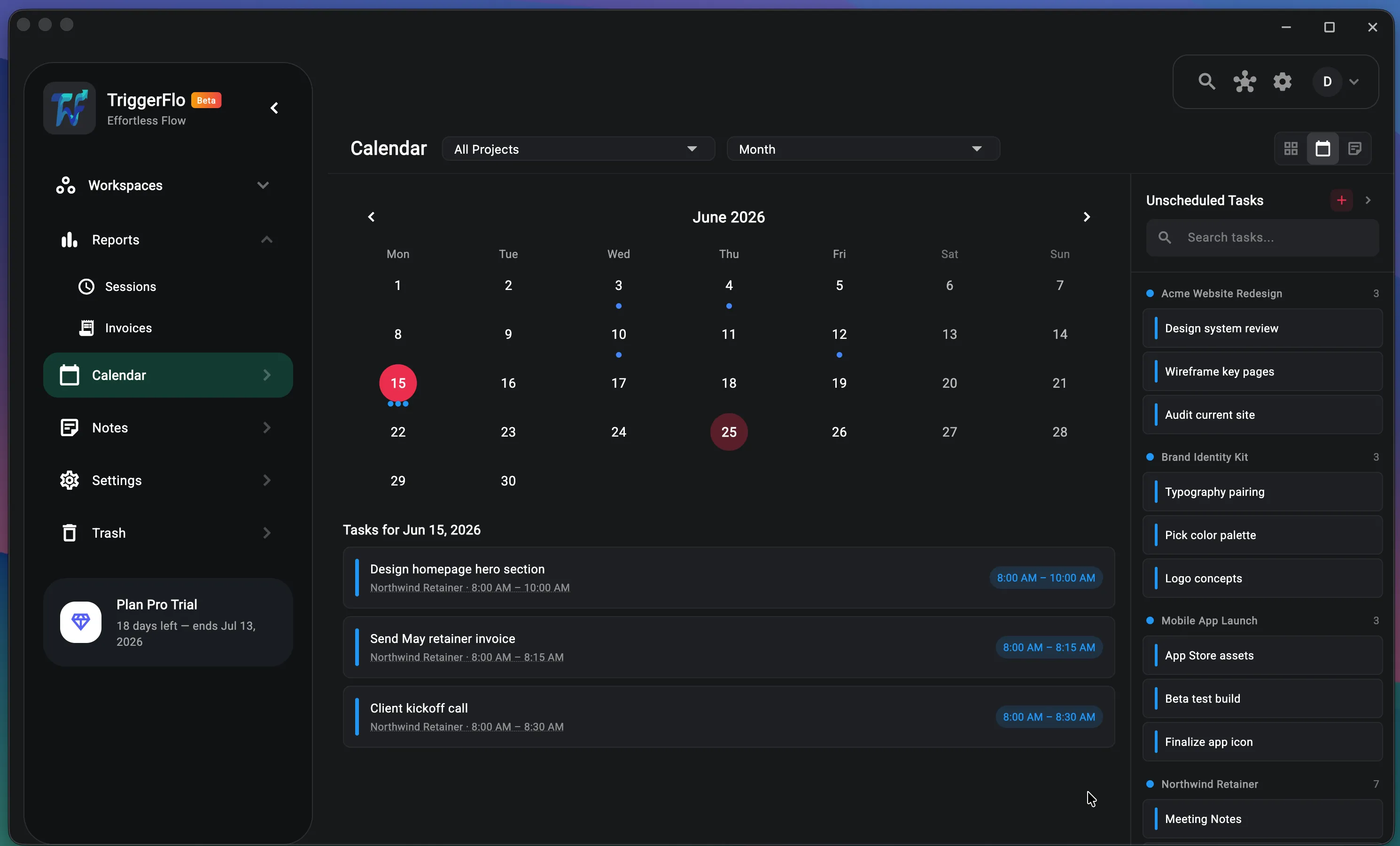
Every task with a date lands on the calendar, alongside your Google Calendar events. Unscheduled work waits in the side panel — drag it onto a day when you know when it will happen.
Reports · Invoices
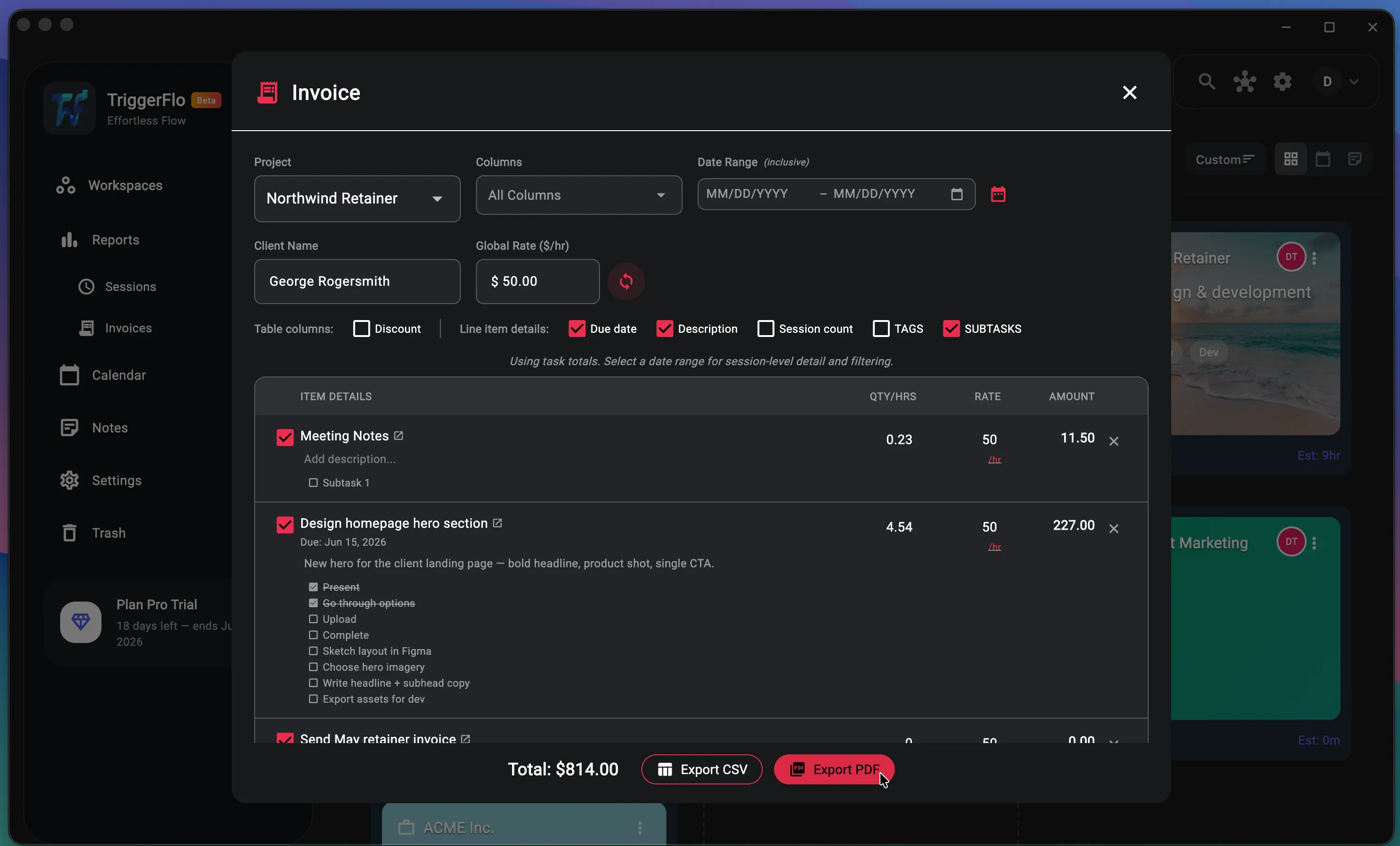
Pick a project, a client, and a rate — TriggerFlo builds the line items from the hours you actually tracked, down to the subtask. Trim what you don’t want to bill, then export a PDF or CSV.
Teams
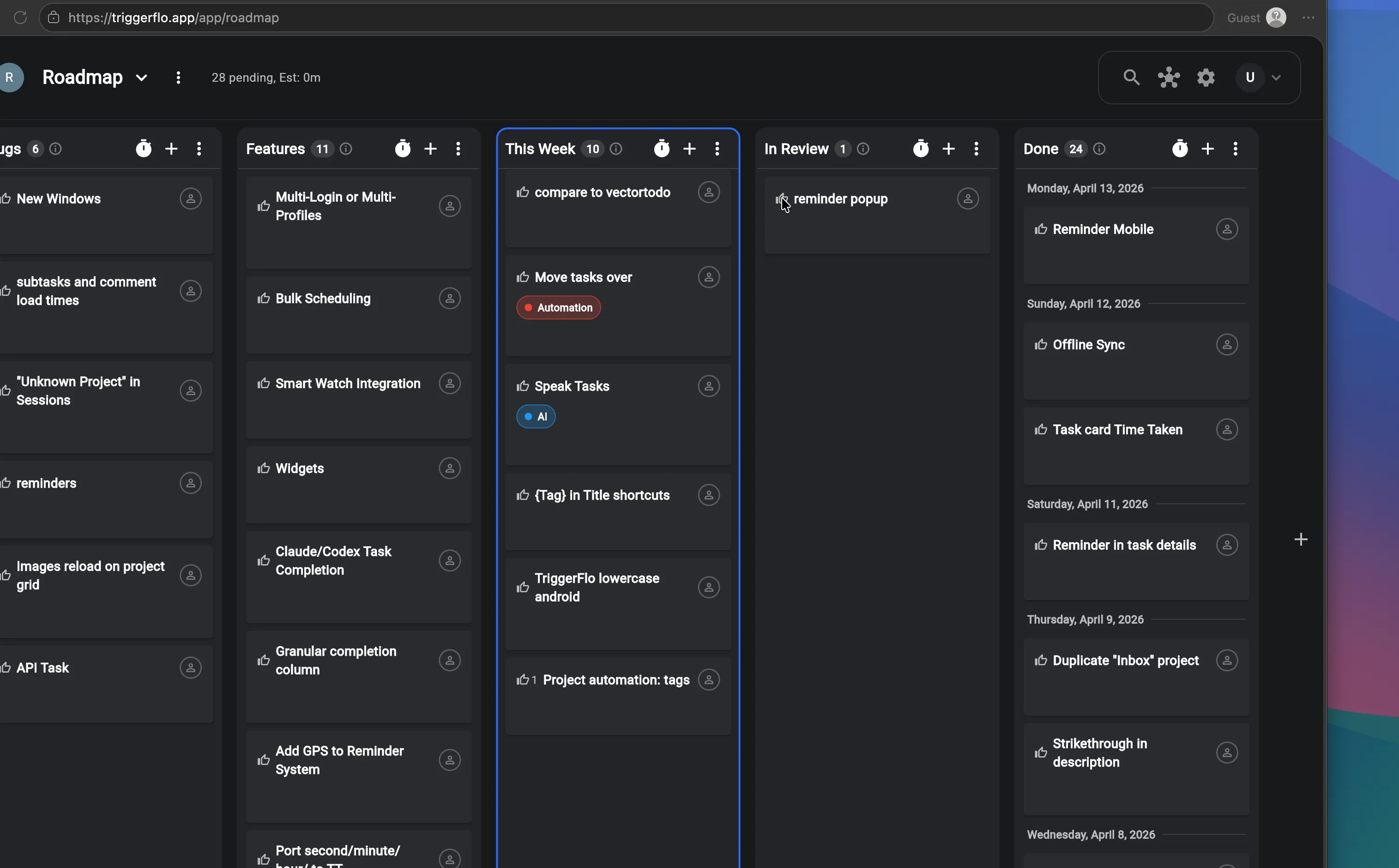
Invite teammates into a project and assign tasks, or publish a board as a public read-only page. Our own roadmap is a public TriggerFlo board where visitors upvote what we build next.
Settings · Make it yours
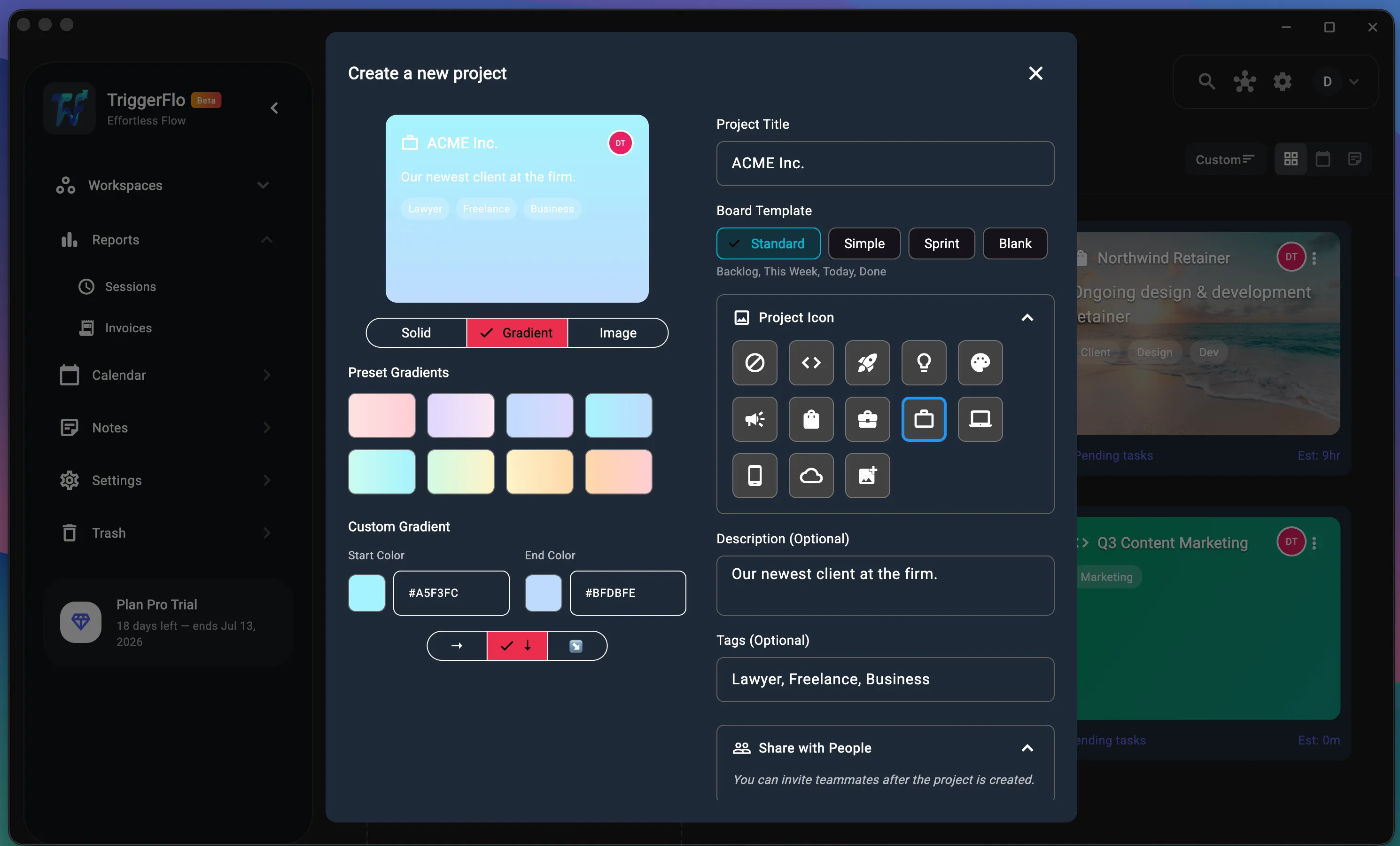
Give every project its own gradient, image, or icon. Reorder the timer’s buttons. Turn on a focus chime that rings a singing bowl every 20 minutes. The app bends to how you work, not the other way around.
Every device
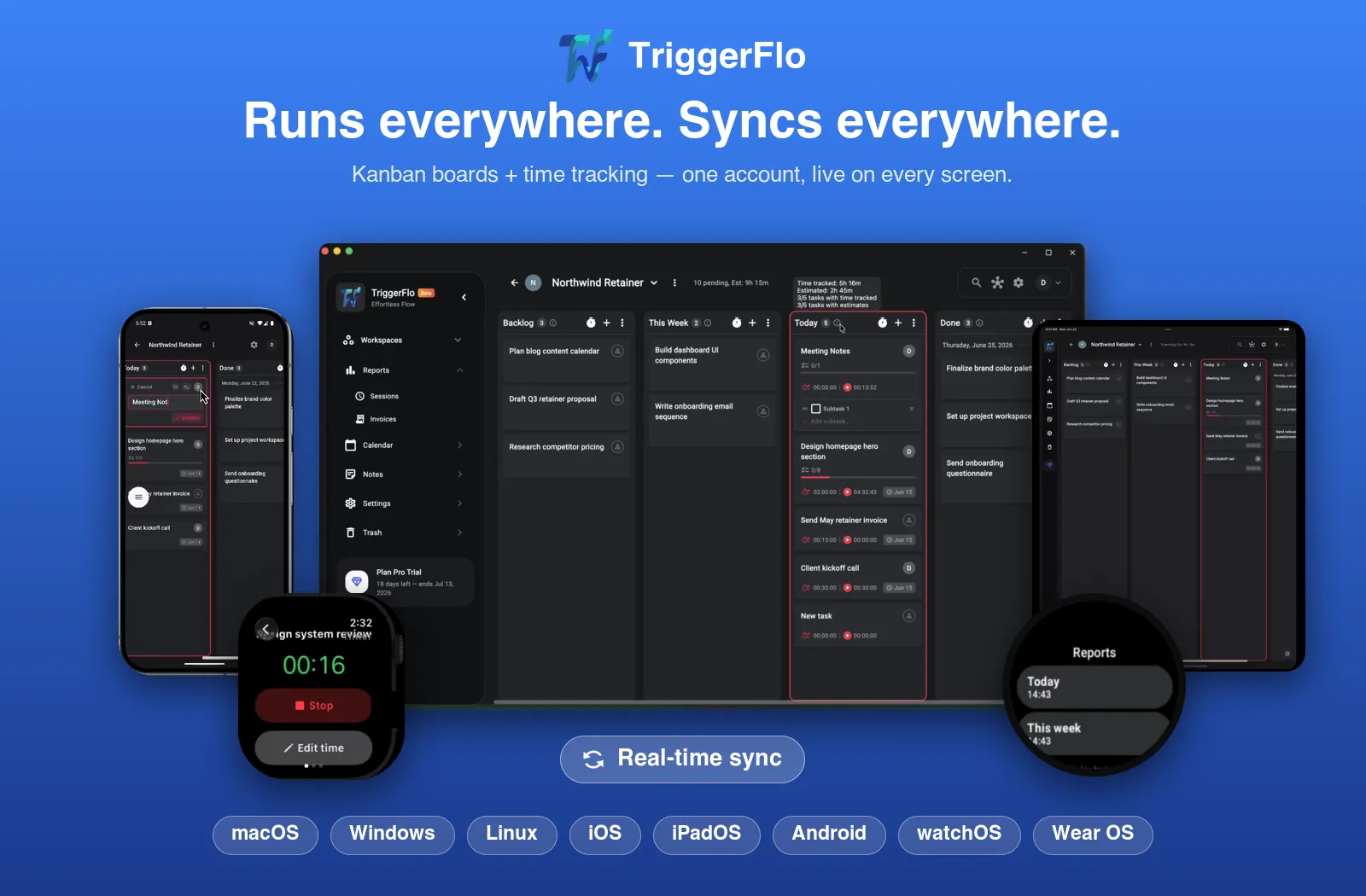
One account, live on every screen — macOS, Windows, Linux, iOS, iPadOS, Android, and both major smartwatches. Start a timer at your desk, stop it from your wrist.
Everything else you'd expect from a serious tracker is in there too.
Every tracked block of time, listed and editable. Fix a timer you forgot to stop without guilt.
Subtasks, descriptions, comments, reminders, estimates, and due dates — all on the card.
Find any task or project by typing a few letters. Works across everything.
See where your week went. Export to CSV when a client asks.
Track and report in the timezone you actually care about, not the server’s.
Start, stop, and edit timers from Apple Watch and Wear OS.
Free forever for up to 3 projects. Upgrade when it earns its keep.